Features › Installer setup
Set up a door in under a minute with DoorSmith
DoorSmith is the GateStride installer app for approved integrators and locksmiths. It finds a nearby door node over Bluetooth, you enter a one-time claim code from the customer's GateStride center, and the door is live. No IP address, no port and no joining the site Wi-Fi.
By Tom Jin · Updated October 2026 · Early access
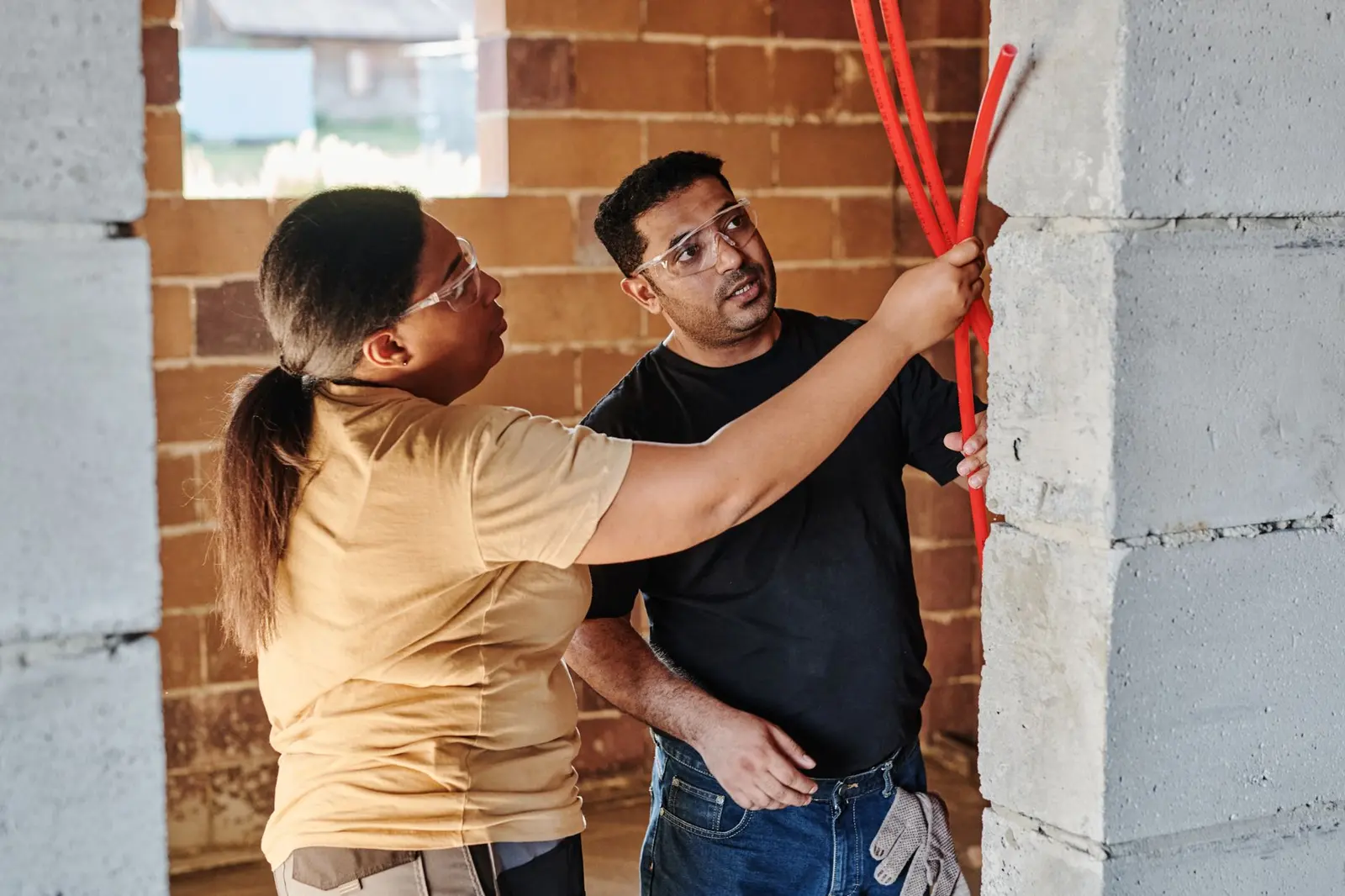
The door is easy. The network is where the day goes
Ask any integrator where a simple add-on job turns into a long one, and the answer is rarely the door. It is the network. You need a static IP, and the customer's IT contact is out until Thursday. You need a port opened on a firewall that belongs to the landlord. The guest Wi-Fi password changed last month, and the main Wi-Fi is locked to company laptops. Someone reboots the router and every address on the floor shuffles.
Each of those is a ticket, a callback or a second truck roll. For a small office with a handful of doors, the network wrangling can take longer than the hardware. It also leaves fragile setups behind: a device pinned to an address that a DHCP lease change later breaks, and a call six months on that starts with "the door app stopped working."
DoorSmith is built to take the network out of the installer's job.
Who DoorSmith is for
DoorSmith is an Android app for security integrators and locksmiths who have been approved as GateStride installers. It is not in a public app store. Approved installers receive signed builds of DoorSmith from us, so a customer can trust that the app pairing their doors came from GateStride and from someone they hired.
Employees and visitors use a different app, GateStride Pass, which holds their badges. DoorSmith is only for setting up doors. Both are described on the download page. If you are an integrator and want access, start with the partner program.
Bluetooth discovery and a one-time claim code
Each covered door gets a door node, an off-the-shelf small device we configure. When you are standing at the door with DoorSmith open, the app finds nearby door nodes over Bluetooth. You pick the one in front of you.
The customer's administrator generates a one-time claim code in their GateStride center, the on-site server in their comms room. You enter that code in DoorSmith. The code ties this door node to this customer's center, and then it is used up. The door is live.
The claim code is the handshake between the installer and the customer. You cannot attach a door node to a site without a code from that site's center, and a used code cannot be replayed at another door.
No IP address, no port, no site Wi-Fi
You never type an IP address into DoorSmith, open a port on the customer's firewall, or join the building's Wi-Fi with your phone. The door node works behind NAT and keeps working when its DHCP address changes. The customer's IT team does not need to reserve an address or write a firewall rule for the door, and a later router swap does not leave you with a dead door.
There is also no GateStride cloud account to create and no relay to register with. Everything runs on the customer's premises, and their administrators manage it remotely over their own VPN. That is a simpler story to tell an IT lead who does not want another outside service talking to their network. Our security page has the details they will ask about.
The existing system stays as you installed it
GateStride adds phone access on top of the access control the customer already owns. The door node unlocks through the existing system. You do not replace the panel, the readers or the locks, and request-to-exit and fire release are not touched. Free egress stays with the certified system, so there is no change to the life-safety path to re-approve.
The GateStride center connects to the existing system with credentials for an account the customer controls. Those credentials are stored encrypted and never shown again in the interface. Today GateStride is verified on Kantech EntraPass; LenelS2 OnGuard and Brivo are in development, and Honeywell, Software House and HID are planned. Check the compatibility page before you quote a site.
Why this matters for your business
Most of your customers already own a working system. When they ask for phone unlock or a way to know who left, a full replacement is a big decision with a long sales cycle. A GateStride add-on is a smaller one, and DoorSmith keeps the per-door setup short so the job stays predictable. You keep the account and the service contract, and the customer keeps the hardware you installed. GateStride is sold and installed through integrators with flat quote pricing and no per-user fees.
Setting up a door with DoorSmith
- The customer's administrator creates a one-time claim code for the door in their GateStride center.
- At the door, open DoorSmith on your Android phone. It finds nearby door nodes over Bluetooth.
- Select the door node in front of you and enter the claim code.
- The node is claimed by the customer's center and the door is live. The code cannot be used again.
- Test the door with an enrolled phone, and confirm cards, request-to-exit and free egress behave exactly as before.
What it does not do
- DoorSmith is Android only and is provided as signed builds to approved installers. It is not a public download.
- Under a minute covers the DoorSmith pairing step for a door. Site survey, mounting and testing are still your normal work.
- DoorSmith does not configure the existing panel, readers or locks, and it does not change free egress or fire release.
- GateStride is in early access. Kantech EntraPass is verified; other systems are in development or planned, so confirm fit first.
Questions
- Does DoorSmith need the site's Wi-Fi or an IP address?
- No. DoorSmith finds the door node over Bluetooth and you enter a one-time claim code. There is no IP address to set, no port to open and no Wi-Fi to join.
- What happens if the customer's router changes the door node's address?
- Nothing you need to fix. Door nodes work behind NAT and through changing DHCP addresses.
- Where does the claim code come from?
- The customer's administrator creates it in their on-site GateStride center. It links one door node to that center and is then used up.
- Is DoorSmith available on iPhone?
- DoorSmith is Android only. The employee and visitor app, GateStride Pass, is on Android and iPhone in early access.
- How do I become an approved installer?
- Apply through the GateStride partner program. Approved installers receive signed DoorSmith builds and onboarding.
- Do I need to rewire the existing system?
- GateStride works on top of the existing access system and unlocks through it. Panels, readers, locks, request-to-exit and fire release stay as they are.
Related features
Install GateStride at your customers' sites
Join the partner program to get signed DoorSmith builds, partner pricing and onboarding for your team.
Stock photo. Kantech and EntraPass are trademarks of their owners; GateStride is independent and not affiliated with or endorsed by them.